



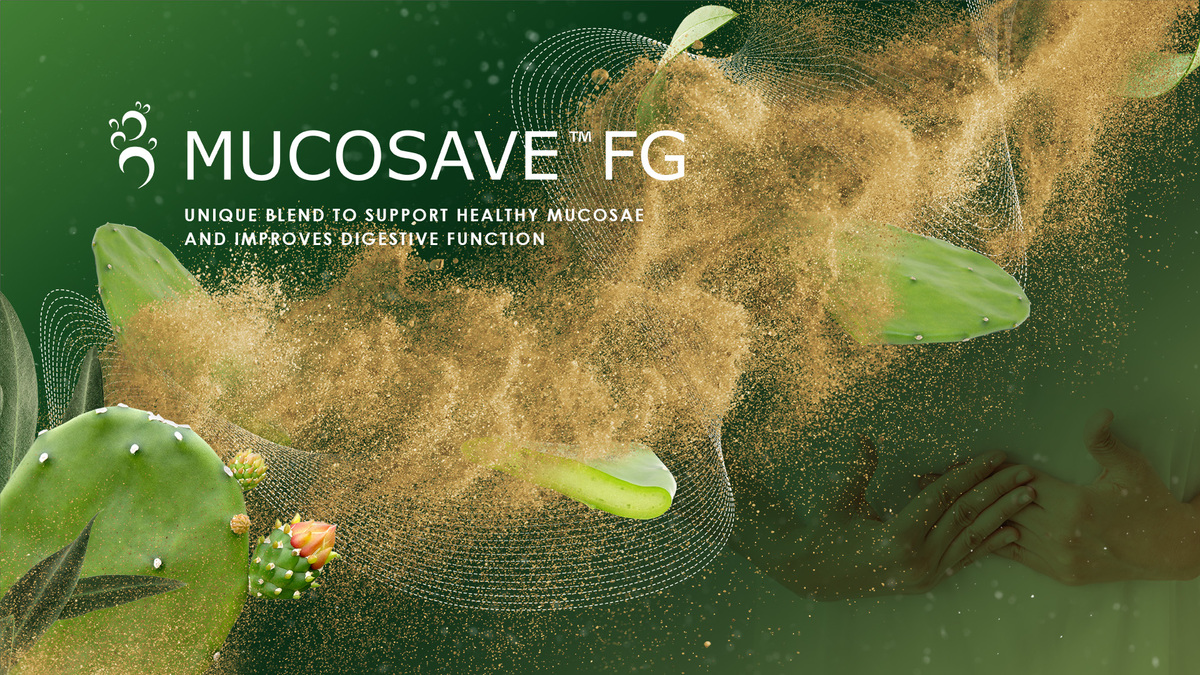


Bionap, always careful with market trends and people well-being,
thanks to a long-lasting experience in plant extraction,
supported by the expertise of its Research & Development team, is capable of developing innovative solutions for




BIONAP is a dynamic company which produces standardized botanical extracts obtained from plants and fruits growing in the areas surrounding Mt Etna UNESCO World Heritage. Our mission is to discover innovative active substances with the aim of improving the health and well-being of people world wide.
Bionap: health and well-being of people world wide.

BIONAP is committed to sustainability and innovation, working continuously to improve production and quality.
We have defined 3 strategic pillars that guide us on the way to achieve these objectives:

PRODUCTS
Every day we take care of our products from the harvesting to the labelling, through a short, traceable and ethical chain.

PEOPLE
We believe that a sustainable business should have the support of its employees and stakeholders. This support comes down to treating employees fairly and being a good community member, both locally and globally.

PLANET
We are focusing on reducing our environmental impact. We believe that have a beneficial impact on the planet can also have a positive financial impact.


Since 1997, BIONAP has devoted its efforts to the “Science of the Earth”
for the well-being of People.
The company is supported globally by experts in scientific research and development who give to the company the boost to the development of ingredients which excel in quality confirmed by the international certifications.




Management System compliant with GMP for dietary supplements
(FDA CFR 21 – p.1 1 1) (approved by Bureau Veritas Italia)




 |
 |
 |
|
PROGETTO COFINANZIATO AI SENSI DELL’ASSE III AZIONE 3.1.1
|
||


Progetto cofinanziato dal MIUR, in attuazione dell’Asse II – Azione II
del PON “Ricerca e Innovazione” 2014 – 2020.
Decreto di finanziamento provvisorio : 0002021 del 27.07.2018
Titolo: Nuovi Antimicrobici Ottenuti da Composti di Origine Naturale- NAOCON –
Codice progetto: ARS01_00597
Codice CUP B66G18000190005
Importo Investimento: 230.633,78
Importo contributo: 115.316,88
Descrizione: Progetto finalizzato all’identificazione di nuovi composti di origine naturale utilizzabili per il loro potenziale antimicrobico in terapia umana (AMPs) e come conservanti nella filiera produttiva cosmaceutica (estratti vegetali).
www.ponricerca.gov.it

PROGETTO COFINANZIATO
DALL’UNIONE EUROPEA
PROGETTO DI SVILUPPO PRODUTTIVO PER L’AMPLIAMENTO PRODUTTIVO DELL’ATTIVITÀ DELLA BIONAP S.R.L. AI SENSI DELL’ART. 1 DELLA LEGGE REGIONALE 16 DICEMBRE 2008, N. 23 E DEL P.O. FESR 2007/2013, Obiettivo Operativo 5.1.3, linee di intervento 1, 2 e 5

FESR- Fondo Europeo di Sviluppo Regionale
Investiamo nel vostro futuro

Contrada Fureria
Zona Industriale Ovest
95032 Piano Tavola Belpasso (CT) Italy
Tel: +39 095 7086560
Fax: +39 095 958435
info@bionap.com
Please note this website is accessible from various countries all over the world and hence it may contain statements or product classification not applicable to your country. The claims made are in reference to ingredients only, therefore they do not refer to finished products. The marketer of any finished product containing any ingredient is responsible for assuring that the destination of the product and the claims made for the finished product are lawful and comply with all applicable laws and regulations of the country or countries in which the product is to be sold.
ARE YOU INTERESTED IN
PERSONAL CARE NEWS
STAY UPDATED,
SUBSCRIBE OUR NEWSLETTER
NUTRACEUTICALS NEWS
STAY UPDATED,
SUBSCRIBE OUR NEWSLETTER
clicking on “Subscribe” you accept our privacy policy
